

Choosing the right tools for your department, beyond the website.
A buyer’s guide to the functional areas worth evaluating in a modern public safety platform, what good looks like in each, and what to think about beyond the software.
A BUYER’S GUIDE FOR FIRE, EMS AND LAW ENFORCEMENT
Beyond a website that looks dated
Most fire, EMS and law enforcement agencies start shopping for software because their website looks dated. The departments that get the most value treat the purchase as something larger. A website is now the front door to how residents ask for help, book the hall, buy a T-shirt, donate, enter a raffle, sign up for a class or apply to join. Each of those is a small operation with its own records, money, legal rules and staff workload. This guide walks through the major functional areas worth evaluating, what good looks like in each, and what to think about beyond the software itself: who owns the process, what the law requires, and how you will actually run it week to week.
THE AREAS
The areas to evaluate
1 OF 7
Citizen engagement: landing page, forms and request tracking
Residents do not want to learn your org chart. They want one place to report a problem, ask a question, request a record or schedule a visit, and then know what happened to it.
A resident landing page
One clear entry point for the services residents use most, instead of links scattered across the site.
A real form builder
Staff can create and change forms without a developer: conditional questions, required fields, file uploads and confirmation messages.
Spam and abuse protection
Bot protection on every public form, so staff are not wading through junk.
Request tracking, ticket-style
Each submission becomes a request with a reference number, a status and an owner, not an email lost in someone’s inbox.
A staff inbox
One place to see, filter, assign and update requests, with counts so nothing ages unnoticed.
Resident updates and a portal
A confirmation on submission, optional status emails, and residents who can see their own requests in one place.
Before you start
Decide who owns each request type before launch. A form with no owner becomes a black hole. Set response expectations you can meet, and say them on the form. Know your records rules. Public records requests usually have statutory deadlines and fee rules, so build those into the workflow, not just the form. Collect only what you need. Every field you add is data you must protect and eventually dispose of.
2 OF 7
Hall and space rentals
Many departments have a hall, meeting room or pavilion that the community rents, and it is often managed with a paper calendar and a phone.
Space profiles
Photos, capacity, amenities, pricing and house rules on a public page.
Online booking requests
Residents pick a date and time against real availability, so there is no double-booking.
Approve-first workflow
Requests stay pending until staff approve or decline, which matters for halls where you vet the event.
Deposits, fees and balances
Clear pricing, deposits, balance due dates, and what happens on cancellation.
Automatic communication and expiry
Emails at each step, reminders before the event, and unpaid holds that release automatically.
A staff calendar view
See every booking and every pending decision at a glance, including on a phone.
Before you start
Write the rental policy first: who can rent, alcohol, insurance certificates, cleaning, security deposits, refunds and cancellation deadlines. The software should enforce the policy, not invent it. Check your insurance and local ordinances, especially for alcohol, occupancy limits and assembly permits. Decide who approves, and who covers when that person is away. Reconcile money monthly against your payment provider, not just the booking list.
3 OF 7
E-commerce: your department store
Apparel, patches, challenge coins and event merchandise raise money and build pride, but only if fulfillment does not overwhelm volunteers.
Products with options
Sizes and colors, inventory counts, and the option to sell items as pickup-only.
Checkout through your own payment account
Funds settle directly to the department, never to the vendor.
Order management
Statuses for paid, ready for pickup, shipped, fulfilled and refunded, with staff notes.
Customer emails at each step
Order confirmed, ready for pickup, shipped, refunded.
Manual and offline orders
Record cash or check sales at an event, with an optional emailed receipt.
Reports
Sales by item and period, and anything outstanding to fulfill.
Before you start
Sales tax. Depending on your state and your organization’s status, merchandise sales may be taxable. Ask your accountant before launch, not after. Nonprofit vs. municipal. A volunteer fire company and a municipal department can have very different rules on what they may sell and where the money goes. Fulfillment ownership. Name the people who pack, ship and hand out orders, and the weekly rhythm. Returns and sizing policy, written down and linked at checkout.
TALK TO US
Want a second opinion on your own situation?
Tell us a little about your department and we will talk it through, whether or not we end up working together.
4 OF 7
Fundraising: donations, events, raffles and 50/50s
Fundraising is where departments most often get into trouble. What causes it is running games of chance without the right permits or records.
Online donations
Campaign pages, suggested amounts, and receipts sent automatically.
Event tickets
For dinners, golf outings and open houses, with capacity limits.
Raffles, 50/50s and progressive games
Ticket sales, a running pot, and a recorded, auditable draw.
Offline entries, refunds and voids
Record cash and check gifts or tickets sold in person, with a clear trail for refunds and voids.
Donor communication
A receipt for every gift, including the department’s own tax-acknowledgment wording.
Reporting
By campaign, by event and by period, for your board and your accountant.
Before you start
Raffles and 50/50s are gambling under most state laws. Charitable exemptions usually exist, but they come with conditions, and online sales may be restricted or prohibited outright. Before you sell a single raffle ticket online, talk to your department’s attorney or accountant and your state’s charitable gaming regulator. Good software makes compliance easier with accurate records, published rules and clean reports, but it cannot make an unlicensed raffle legal.
5 OF 7
Classes and registrations
CPR, babysitter safety, junior firefighter programs and community academies all need sign-ups.
Classes with sessions
Capacity, waitlists and automatic promotion when a seat opens.
Confirmation and reminder emails
Confirmation, waitlist, change and cancellation emails, plus reminders before each session.
Rosters and check-in
Staff can use them on a phone at the door.
Optional fees
Paid through your own payment account.
Before you start
Instructor certifications, waivers for physical activities, and rules for minors (guardian consent, contact details, photo releases).
6 OF 7
Recruiting and applications
Recruiting is a long-running relationship, not a single form.
Job and volunteer listings
That also publish to job boards.
An application form
The department controls, field by field.
A pipeline
Stages, an owner for each applicant, and reminders when someone stalls.
An applicant portal
Candidates see their tasks, upload documents and message the department.
Templated emails
At each stage.
Strong protection for applicant data
Sensitive fields encrypted and access limited to recruiters.
Before you start
Ask only for information you are allowed to ask for at each stage. Background checks and medical questions belong later in the process, under the right legal framework. Set data retention rules, especially for minors and for applicants who are not selected.
7 OF 7
Emergency alerts and everyday content
Alerts and day-to-day posting should be quick for staff and reliable for residents.
Alerts and takeovers
A site-wide banner for burn bans and road closures, and a full-screen takeover for a true emergency, postable from a phone in seconds.
Quick content
Staff can post news, events, photos and FAQs from their phone without opening the full content management system. Page design and site structure stay in the full editor.
Email you can rely on
Confirmations, receipts and alerts must arrive. Look for a backup email provider that takes over automatically if the primary one has a problem, and a queue so no message is lost.
A QUICK CHECKLIST
Questions to ask any vendor.
Bring these to every conversation.
Where does the money go? It should settle directly into your own payment account, never pass through the vendor.
How is our data separated from other agencies’ data, and who at the vendor can see it?
Can residents and applicants see only their own records? How is that tested?
What happens to email if the sending provider has an outage or blocks a domain?
Can our staff change forms, emails and pages without opening a support ticket?
Does it work well on a phone, for both residents and staff?
What does accessibility look like (the standard they build to, accessible PDFs)?
How do we get our data out if we leave?
What independent security verification do you have?
Who configures our site at launch, and how long does it take?
FREE CHECKLIST
Take the checklist with you.
A one-page list of the ten vendor questions, to bring to every conversation.
Download the vendor questions (PDF)RELATED
Related
Feature pages, other guides and posts that go with this one.
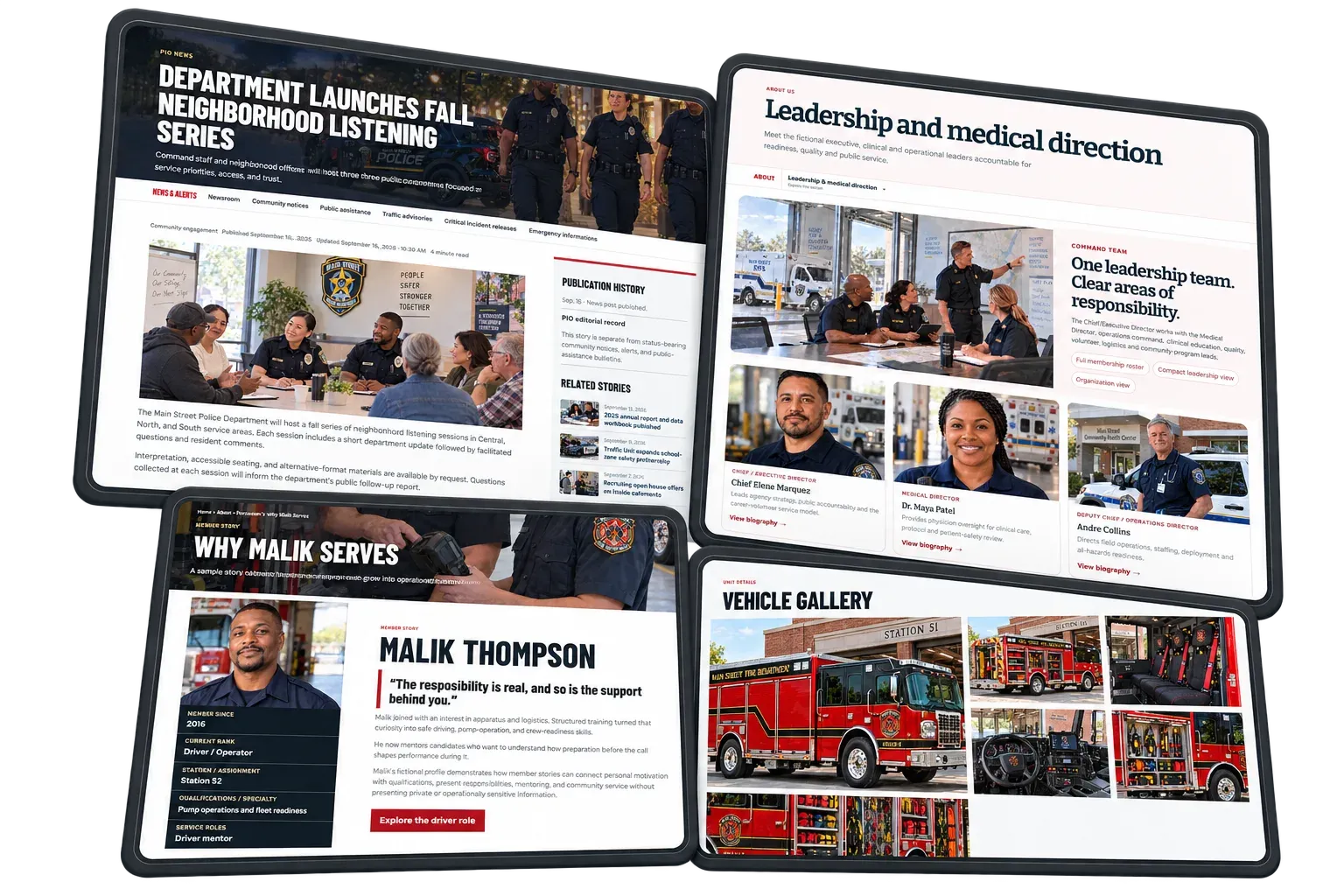
Choosing public safety software
Guide: What to weigh before you buy.Learn More Details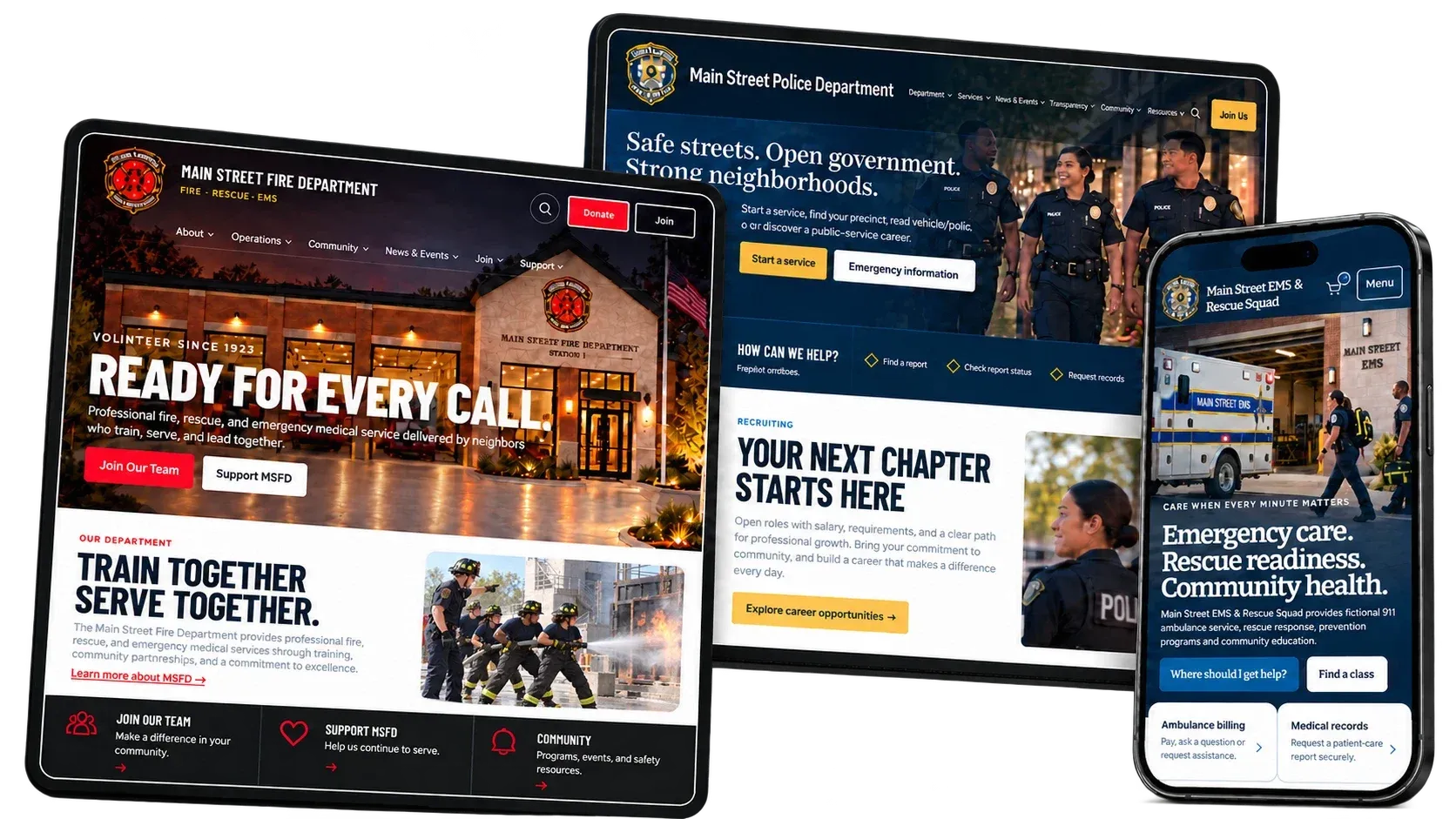
The new Responder MAX CMS
Overview: Everything the platform does, in one place.Learn More Details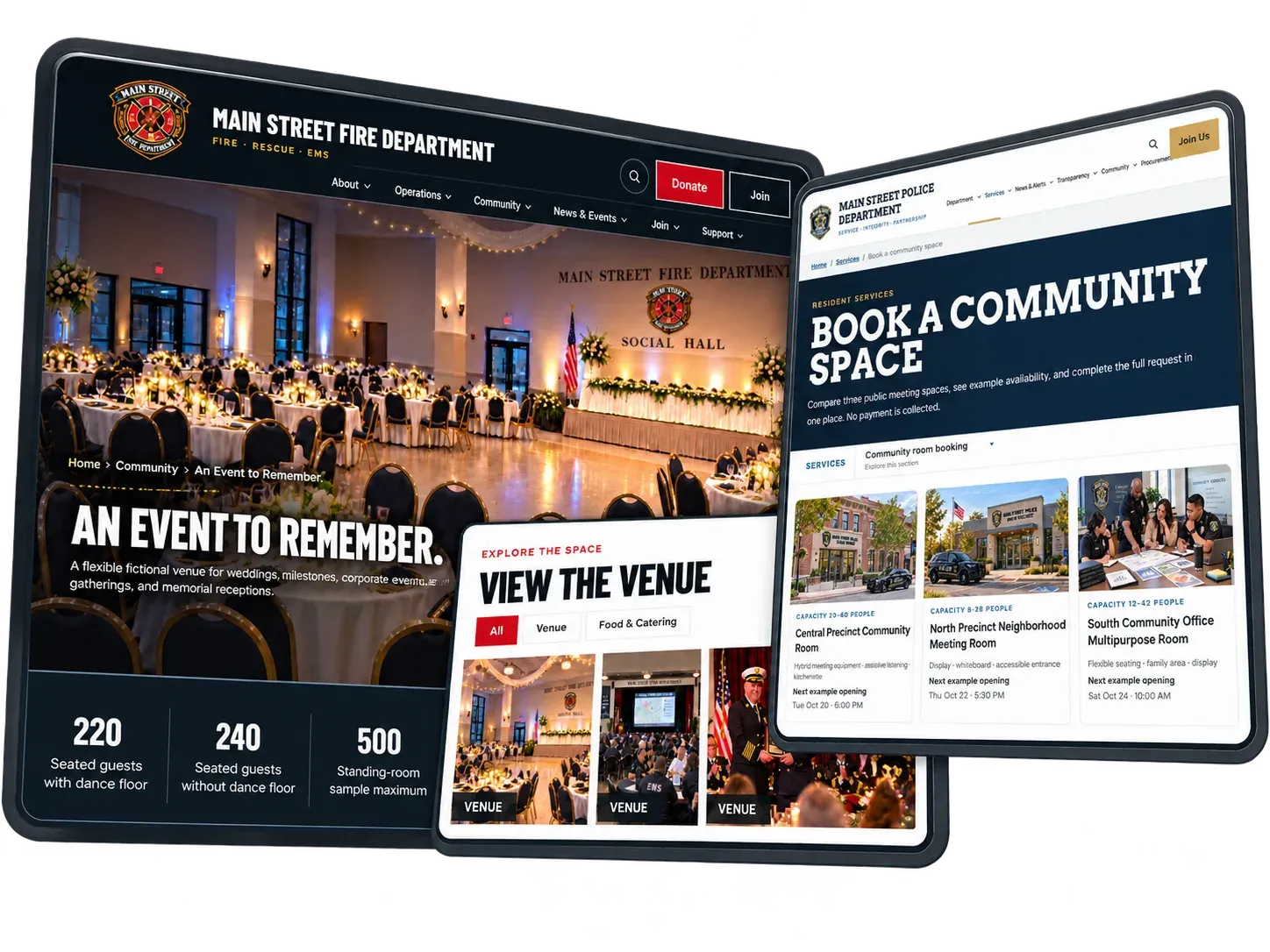
Hall and space rentals
Feature: Spaces, availability, approvals and deposits.Learn More Details
Fundraising and raffles
Feature: Donations, tickets, raffles, 50/50 and Queen of Hearts.Learn More Details
WHERE WE STAND
What this looks like in practice.
We build websites, recruitment systems and member management for fire, EMS and law enforcement agencies. Here is where we stand on the basics.
Last updated October 2026
A note
This guide is general information, not legal or tax advice. Rules for charitable gaming, sales tax, public records and minors’ data vary by state and county. Confirm your obligations with your department’s attorney, accountant and the relevant state regulator before launching any of these programs.
Questions about any of this?
We are happy to talk it through, whether or not we end up working together.
Contact us