

10 things to think about when choosing software for your agency.
Whether you buy it from a vendor or build it yourself: what to ask, what a good answer sounds like, and what to look at more closely.
A GUIDE FOR FIRE, EMS AND LAW ENFORCEMENT
Before you commit
Your website, your member portal, your applicant system, your store and your fundraising pages all hold things that matter: member records, applicant details, resident payments, and the credibility of your agency. Some of the most important parts of a platform are the ones nobody sees in a demo. There is no single right way to get software. Some agencies buy from a vendor, some build on their own, and many do a bit of both. Either route can work well. What matters is that you have thought through the same ten things before you commit. Whether you are a volunteer fire company, a sheriff’s office, an EMS agency, a county or a statewide program, these apply, and they apply just as well when the “vendor” is your own IT team or a volunteer in your department. For each one: what to ask, what a good answer sounds like, and what to look at more closely.
THE TEN
The ten things
1 OF 10
Where does our data live, and who can see it?
Ask: Where is our data stored? Is our agency’s data separated from other customers’ data? Who at your company can access it, and is that access logged?
- A good answerA specific hosting provider and region (in the United States, if that matters to you), a clear explanation of how each agency’s data is kept apart, and a named list of roles at the vendor who can see it, with an audit trail.
- Look closer ifThe answer is “the cloud,” or nobody can explain how one customer’s data is kept from another’s.
2 OF 10
How is our data protected?
Ask: Is data encrypted in transit and at rest? How do staff sign in? Do you support two-factor authentication, single sign-on or passkeys? Can we limit who on our team sees what?
- A good answerEncryption everywhere, sign-in options beyond a shared password, and roles you can set yourself so a recruiter, a chief and a webmaster each see only what they need.
- Look closer ifEveryone shares one login, or permissions are all-or-nothing.
3 OF 10
How do you know it is secure? Who has checked?
Ask: What independent verification do you have? What does your hosting provider’s audit cover? Do you run security scanning and keep dependencies up to date? How is security reviewed on an ongoing basis, not only before launch? Will you share a security overview or a data processing agreement for our procurement team?
- A good answerA plain description of what is audited and by whom (for example, hosting on infrastructure that has been independently audited to SOC 2 Type II), regular reviews and automated checks on every change, and documents available on request.
- Look closer ifThe answer leans on adjectives (“military-grade,” “bank-level”) with nothing you can check. Also be careful with the difference between “our hosting provider is audited” and “our platform is certified.” They are not the same claim, and a good vendor will tell you which one they mean.
4 OF 10
Backups, recovery and uptime
Ask: How often is our data backed up, and how long are backups kept? Has anyone actually tested a restore? If something goes wrong, how far back can you go and how long would it take to get us running again? Is uptime monitored around the clock, and is there a status page? How will you tell us about an incident, and how soon?
- A good answerContinuous or daily backups with a stated retention window, point-in-time recovery for the database, and someone who can say when they last tested a restore. Automated monitoring with on-call alerts, a status page you can bookmark, and plain-language updates when something happens.
- Look closer ifBackups exist “somewhere” but nobody has restored one, or you would learn about an outage from your own members.
5 OF 10
Is it accessible to everyone?
Ask: What accessibility standard do you build to? How do you test it? Can you provide an accessibility conformance report if our procurement process requires one?
- A good answerA named standard (WCAG 2.2 Level AA is the common target), a description of how it is tested, and honesty about where they are still improving. Many state and local government agencies now face web accessibility requirements, so this is not just good practice.
- Look closer ifThe vendor says it is “fully compliant” with no report, no testing process and no way to report a barrier. Careful vendors say they build to a standard and keep testing, and they give you a way to tell them when something does not work.
TALK TO US
Want a second opinion on your own situation?
Tell us a little about your department and we will talk it through, whether or not we end up working together.
6 OF 10
Can the people who will actually use it, use it?
Ask: Can I watch someone who has never seen it before use it on a phone? How much training does a volunteer officer need? Do you provide onboarding?
- A good answerA short demo on a phone, in the station or the car, by someone other than the vendor’s best presenter. Setup that does not require an IT department.
- Look closer ifThe demo only works on a large monitor, or “we will train your team” is the answer to every usability question.
7 OF 10
Who picks up the phone?
Ask: Who answers when we have a problem? What are the support hours? How quickly will someone respond? Do they understand what a fire company or a sheriff’s office actually does?
- A good answerA named support path, stated response times, and people who understand your world well enough that you do not have to explain what a station, a roster or an academy class is.
- Look closer ifSupport is a ticket form and a promise. If you are building in-house, ask the same thing about your own team: who gets the call at 2 a.m., and what happens when that person is on vacation or leaves?
8 OF 10
Whose data is it, and how do we leave?
Ask: Can we export all of our data at any time, in a usable format? What happens to it if we end the contract, or if you go out of business?
- A good answerYes, anytime, in a standard format, with no penalty. A clear process for what happens at the end of the relationship.
- Look closer ifExports are “available on request” for a fee, or the contract is vague about what happens to your data.
9 OF 10
Are the basics written down and public?
Ask: Do they publish a privacy policy, terms of service, an accessibility statement and a security statement? Can you find them without asking? Do they say what they do with your data?
- A good answerAll four are easy to find, written in plain language, and consistent with what the sales team tells you. A security statement that names what is protected and how, without hype, and an accessibility statement that says what standard they build to and how to report a barrier.
- Look closer ifAny of them is missing, hard to find, or says something different from the conversation you just had. Documents like these take effort to write well, and a vendor who has done that work has usually thought about the underlying practices too.
10 OF 10
Who is behind it, and will they still be here?
Ask: Who built this, and can I talk to them? Is there an About page that says who they are and who you would be doing business with? Do they understand public safety, and your type of agency? How long have they served agencies like ours, and can we speak with a few of them? How often is the platform updated, and what is on the roadmap? What does the total cost look like over three years, including hosting, support and renewals?
- A good answerReal people with names and a track record you can check, references from agencies of your size and type, a steady record of updates, and pricing that includes what you actually need to run it. A team that knows your background, because they have worked in it.
- Look closer ifYou cannot find out who is behind it, there are no references you can call, updates have stalled, or the quoted price leaves out the things you will need in month two. For an internal build, the same question applies: who maintains it over the long run, and what happens if they move on?
A QUICK CHECKLIST
Before you sign, or before you sign off on an internal build.
See whether you can answer yes to these.
We know where our data lives and who can access it.
Staff sign-in is stronger than a shared password, and permissions are role-based.
We can name what has been independently checked, and what has not.
Backups exist, are retained for a stated period, restores have been tested, and someone is watching uptime.
The vendor builds to a named accessibility standard and can tell us how they test it.
A person who has never seen it can use it from a phone.
We know who answers support, and how fast.
We can export everything, anytime.
Their privacy policy, terms of service, accessibility statement and security statement are published, and we have read them.
They have an About page that tells us who they are, and we know who built it, they understand public safety, and we have spoken to an agency like ours that uses it.
FREE CHECKLIST
Take the checklist with you.
If you are comparing options right now, bring this list to every conversation, whoever is on the other side. The answers, and how easily they come, will tell you most of what you need to know.
Download the checklist (PDF)RELATED
Related
Feature pages, other guides and posts that go with this one.
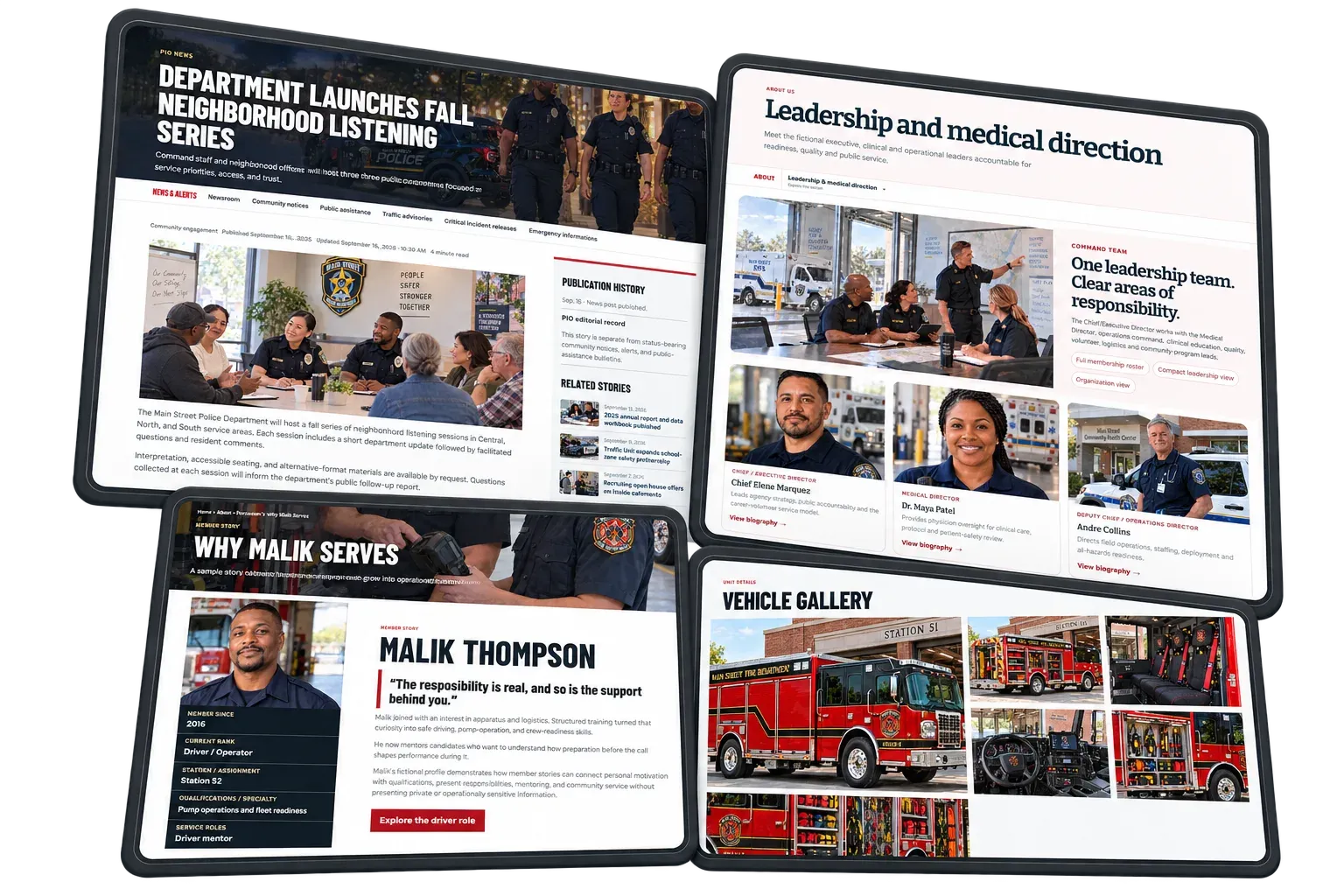
Choosing the right tools
Guide: A buyer guide to platform modules.Learn More Details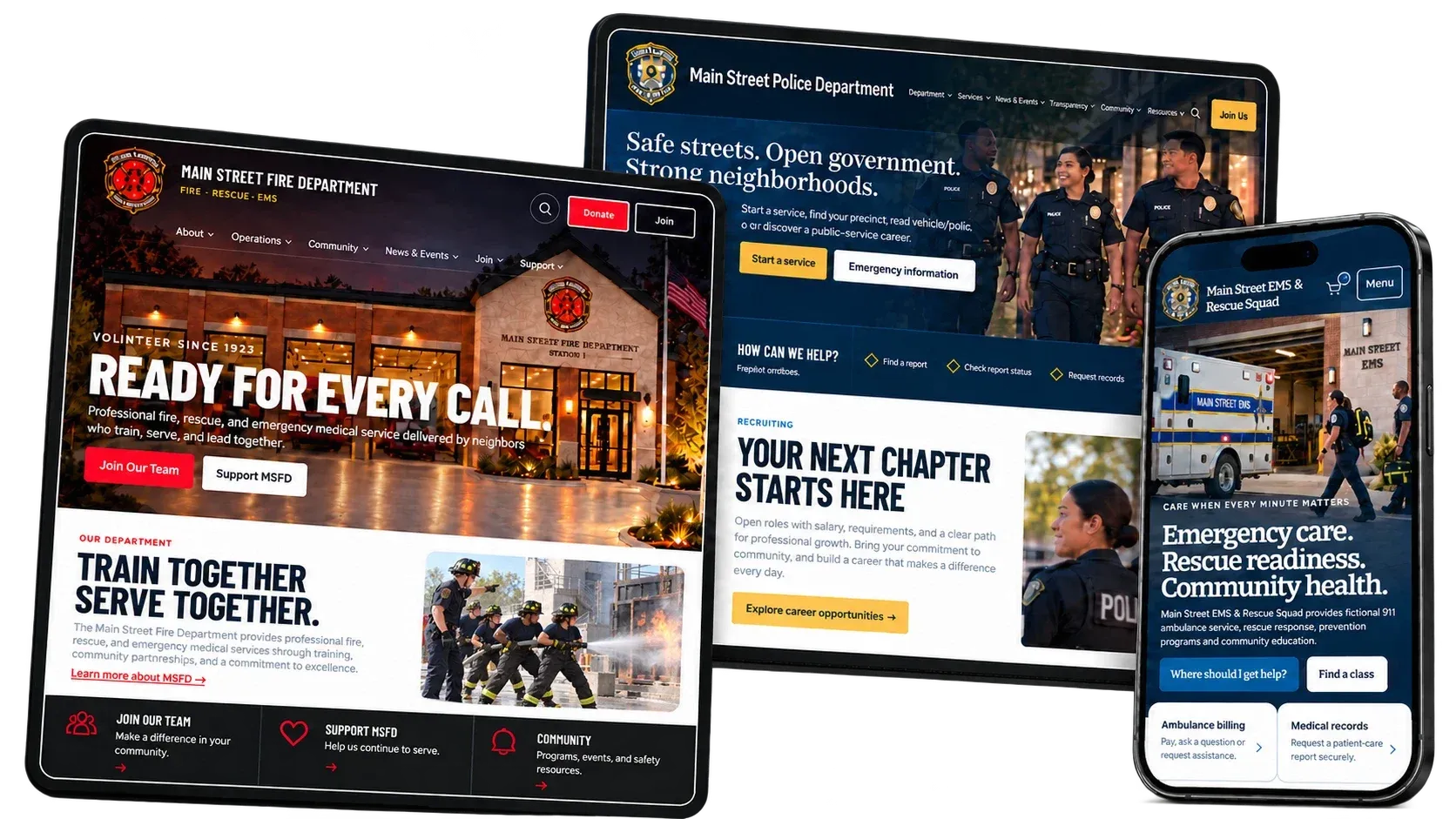
The new Responder MAX CMS
Overview: Everything the platform does, in one place.Learn More Details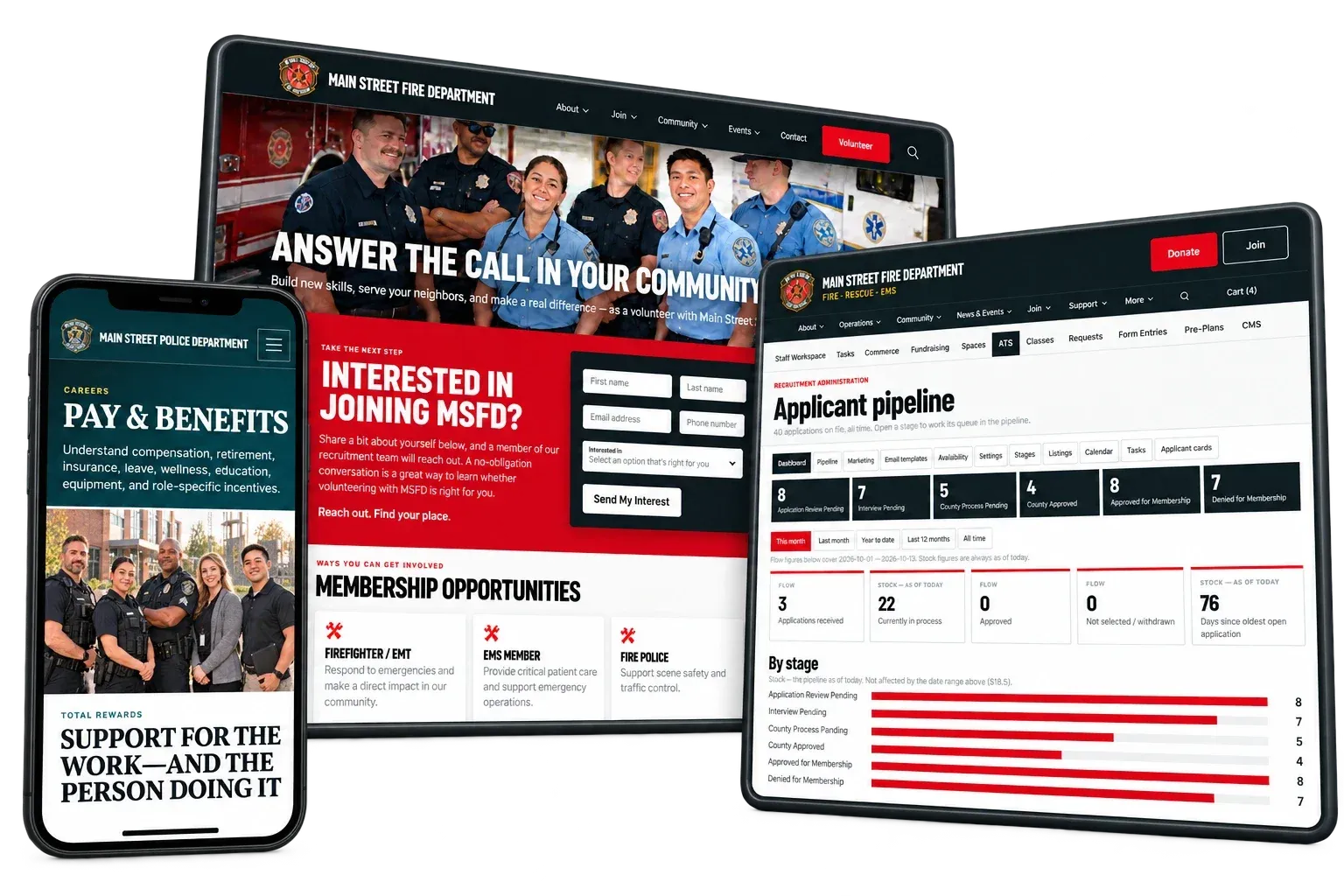
Recruiting
Feature: Listings, applications, pipeline and applicant portal.Learn More Details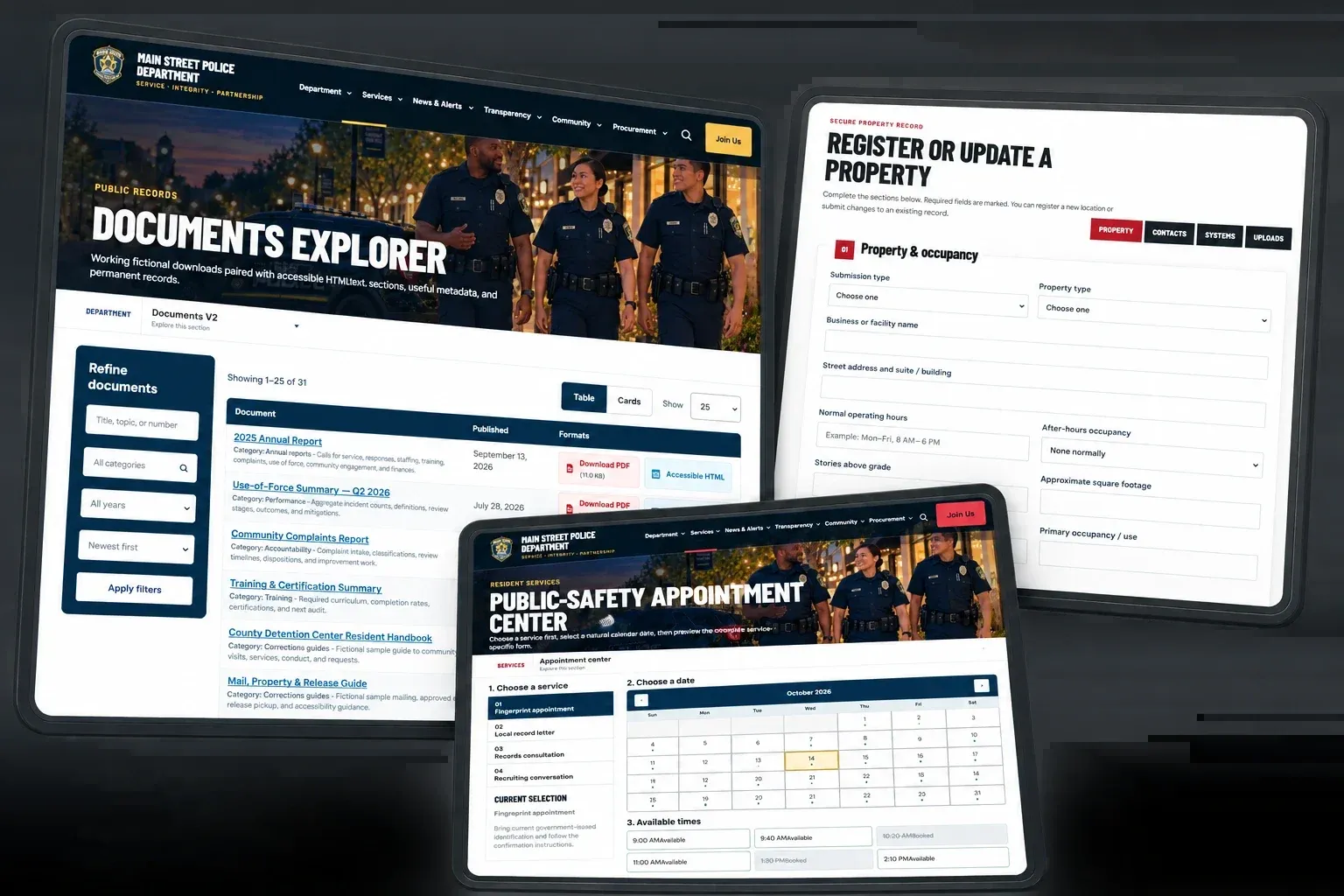
Security & Trust
Overview: How we protect agency, member and applicant data.Learn More Details
WHERE WE STAND
We hold ourselves to these same ten things.
We build websites, recruitment systems and member management for fire, EMS and law enforcement agencies. You can read how we answer them below. If you would like a security overview or a data processing agreement for your procurement team, ask us.
Last updated October 2026
Questions about any of this?
We are happy to talk it through, whether or not we end up working together.
Contact us