

Choosing a member management platform.
When spreadsheets stop being enough: what a membership platform should do, what to ask, and how to tell one source of truth from several disconnected screens.
A GUIDE FOR FIRE AND EMS ORGANIZATIONS
Spreadsheets are useful, but they are carrying too much
Spreadsheets are flexible, familiar and available to almost every department. In many fire and EMS organizations they now track the roster, certifications, incentive points, training progress, gear and even prospective members, each in a different file. Each file may work well alone. The trouble starts when the department needs them to work together. Modern member management is less about storing data and more about moving people and information through repeatable processes. This guide covers eight things to look at. For each: what to ask, what a good answer sounds like, and what to look at more closely.
THE EIGHT THINGS
What to look for in a membership platform
1 OF 8
Does it run a process, or just hold a list?
Ask: When a certification is about to expire, what happens next? Who is notified, what is requested, who approves, and where is that recorded?
- A good answerThe platform starts the renewal, reminds the member, collects the document, routes it to the right officer and keeps a record of who approved it. The same goes for onboarding steps, mentors and acknowledgments.
- Look closer ifIt stores dates and documents but every follow-up still depends on someone remembering to check.
2 OF 8
Is there one authoritative member profile?
Ask: Where is a member’s rank, status, role, station and contact information kept? When one changes, what else updates?
- A good answerA single profile feeds the rest of the system, so a change is made once. Rank or status changes reach schedules, permissions and reports.
- Look closer ifEach module keeps its own copy, so the secretary, the training officer and the scheduler each hold a different address or rank.
3 OF 8
Does it depend on one person’s memory?
Ask: If the person who maintains it retires, transfers or is unavailable, can someone else take over without guessing?
- A good answerReminders, assignments and escalation paths are built in. Changes are logged. More than one authorized administrator can see and manage what is pending.
- Look closer ifThe process works because one person knows which tab is current, which formulas to leave alone and which members need a nudge.
4 OF 8
How is sensitive information protected?
Member records can include dates of birth, emergency contacts, license numbers, medical details and background documents.
Role-based access
Officers and administrators see what their role needs and nothing more.
Field-level permissions
A person who needs a phone number does not also see medical or background information.
Audit history
You can see who viewed or changed a record, and when.
Secure storage
Documents live in one protected place, not in copies on personal devices.
Quick removal of access
When a role changes or someone leaves, access ends right away.
Fewer copies
Downloaded and emailed files are hard to track once they leave the system.
Before you start
Ask where data is stored, who at the vendor can see it, and how it is kept separate from other organizations’ data.
TALK TO US
Want a second opinion on your own situation?
Tell us a little about your department and we will talk it through, whether or not we end up working together.
5 OF 8
Can members help themselves?
Ask: Can members update approved profile details, upload a renewed certification, see training progress, respond to events and review assigned documents from a phone?
- A good answerYes, within limits leadership sets. Members complete approved tasks, and officers review and approve. Self-service does not mean unrestricted access.
- Look closer ifEvery change still goes through an officer who edits a file, so administrative work grows and the information goes out of date.
6 OF 8
Can it report without a rebuild?
Ask: Can leadership, a board or a grant reviewer get staffing, participation, training and retention numbers without a manual project?
- A good answerActivity is recorded once and feeds the member history, incentive calculations, participation trends and reports. Totals match because they come from the same records.
- Look closer ifReports mean combining files, reconciling names, removing duplicates and explaining why the totals disagree.
7 OF 8
How do we get data in, and out?
Ask: How is existing data imported? Can we export everything to CSV or Excel at any time? What happens to our data if we end the agreement?
- A good answerA supported import from your current files, exports whenever needed in standard formats, and a clear written process at the end of the relationship. Spreadsheets stay useful for analysis and planning.
- Look closer ifExports are limited, cost extra or are “available on request”, or the agreement is vague about what happens to your records.
8 OF 8
Have you defined what you need first?
The answer is not simply to buy software. Decide what the organization needs to manage before comparing options.
The same information in several files
A sign that one profile would save duplicate entry.
Only one person understands the process
A sign the process needs reminders and shared ownership.
Certifications expire without notice
A sign that renewals need a workflow.
New members and applicants slip away
A sign that follow-up needs an owner and a pipeline.
Incentives and participation need duplicate entry
A sign that activity should be recorded once.
Reports take days
A sign that data is spread across too many places.
Before you start
List which workflows must connect and how access should be controlled. Then ask whether a platform gives one real source of truth, or only replaces several spreadsheets with several disconnected screens. Ask about onboarding and support too: who helps move the data over, and who answers when a volunteer officer is stuck.
A QUICK CHECKLIST
Questions to bring to any vendor.
The same list works for a vendor, an in-house build or a volunteer who offers to set something up.
Is there one profile per member that every process uses?
Does a change in rank, role or status reach every related process?
Does it start renewals and send reminders, not just store expiration dates?
Are approvals routed to the right officer and recorded?
Can more than one administrator manage pending items?
Are permissions role-based, with field-level control for sensitive data?
Is there an audit history of views and changes?
Can access be removed immediately when a role changes?
Can members update approved details and upload documents from a phone?
Can activity recorded once feed incentives, participation and reports?
Can we import our current files and export everything at any time?
Who helps with setup, and who answers support questions?
What happens to our data if the agreement ends?
RELATED
Related
Feature pages, other guides and posts that go with this one.
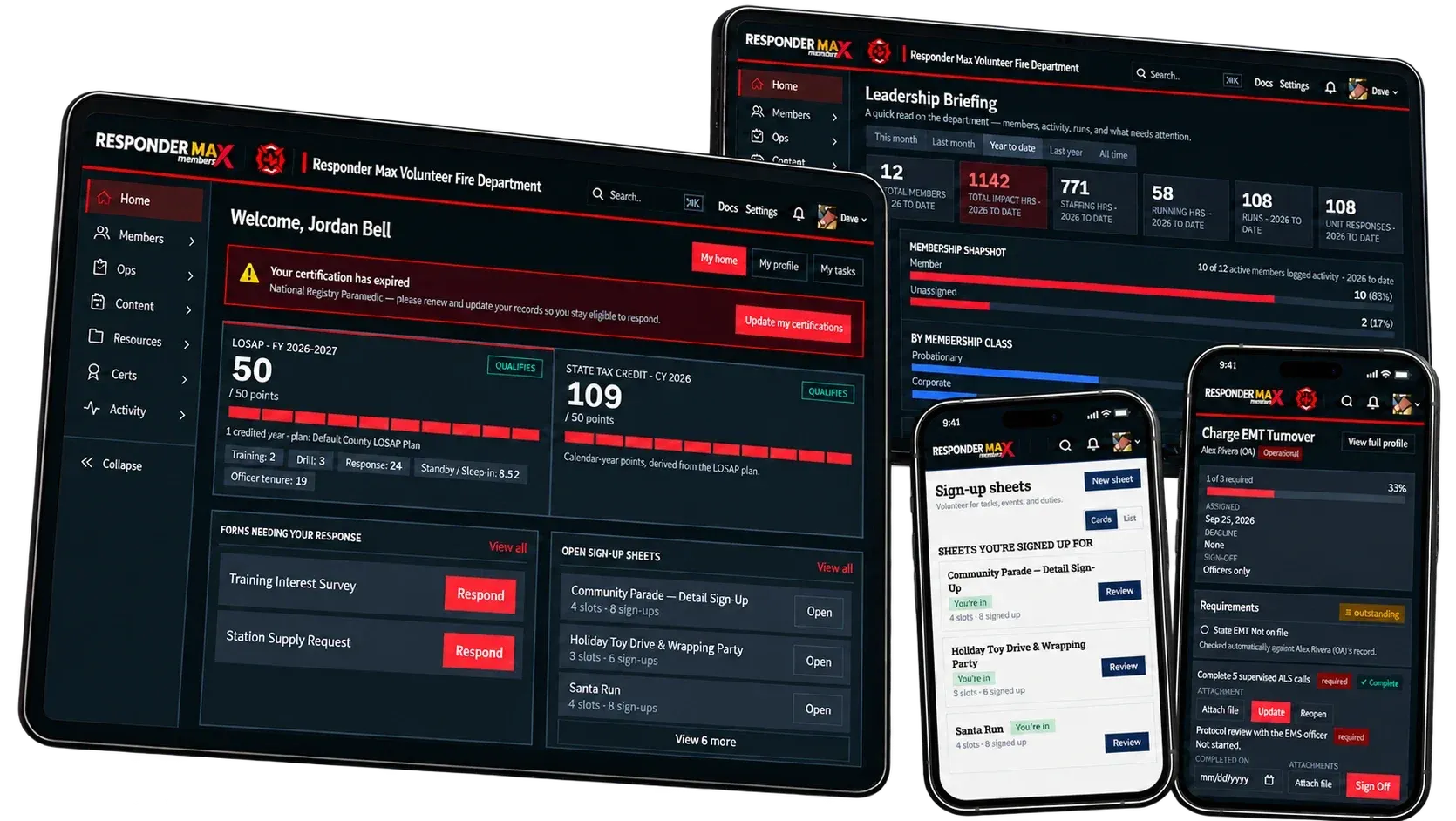
MAX Members
Tool: Membership management for volunteer fire and EMS.Learn More Details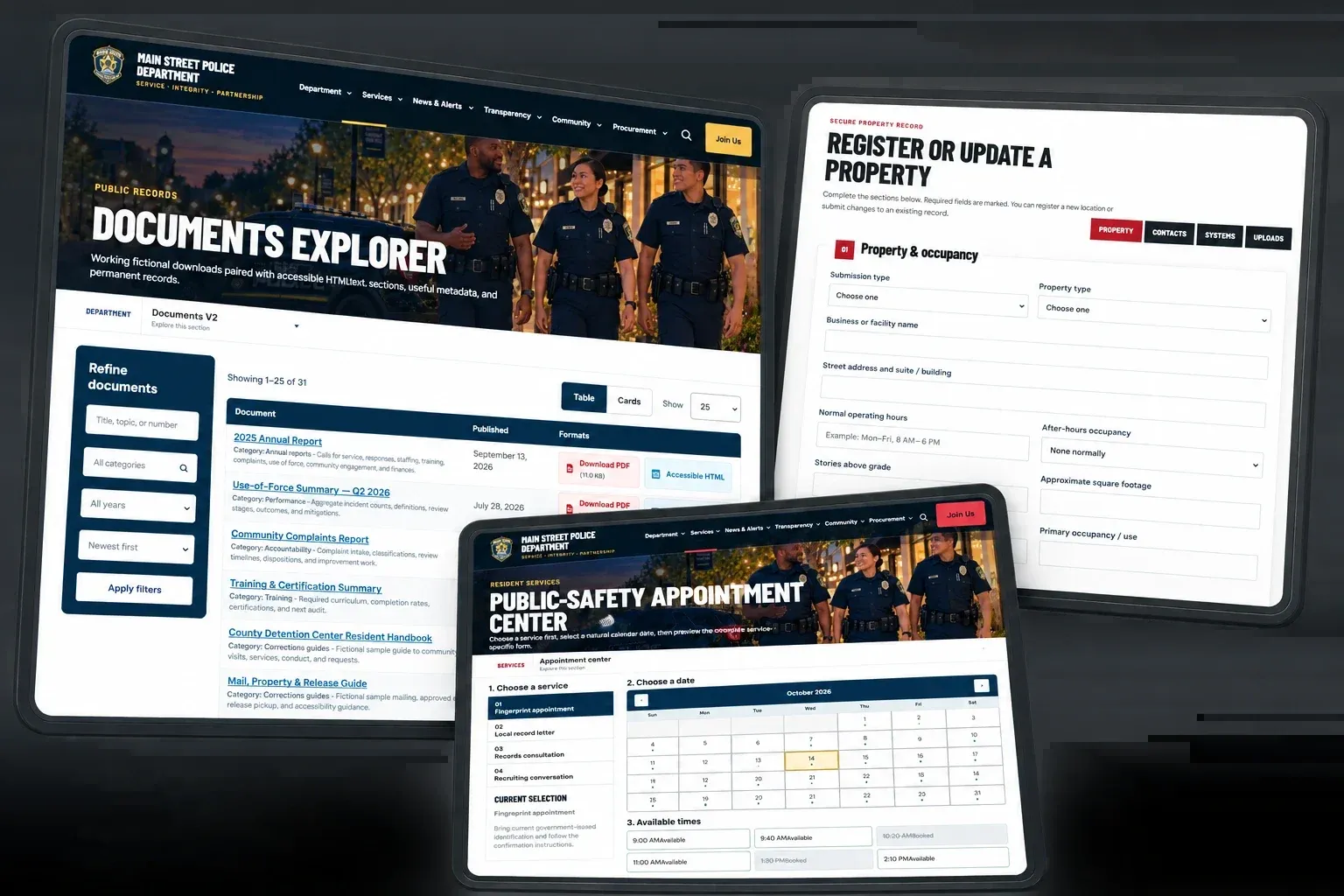
Security and privacy
Feature: How agency and resident data is protected.Learn More Details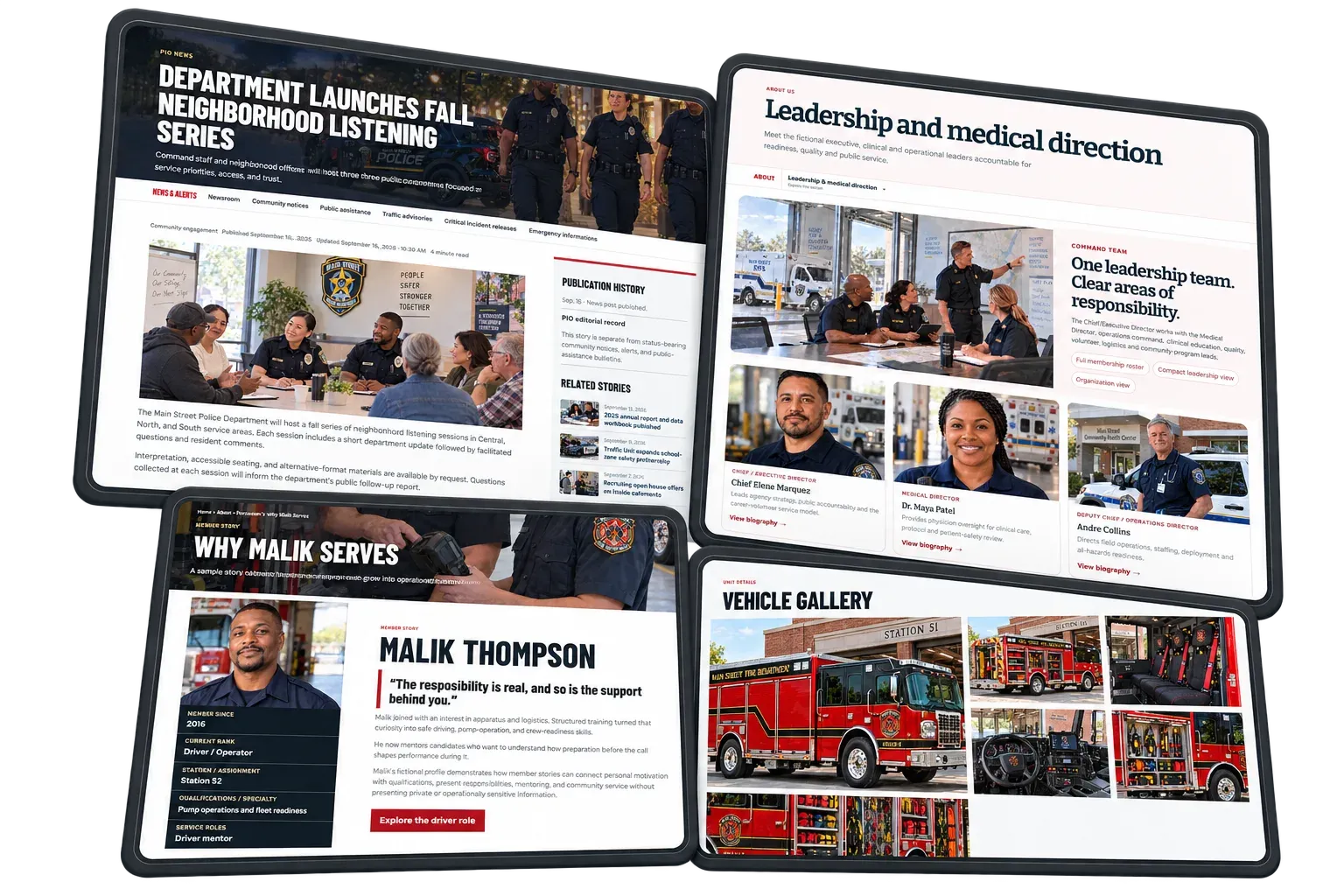
Choosing public safety software
Guide: What to weigh before you buy.Learn More DetailsChoosing the right tools
Guide: A buyer guide to platform modules.Learn More Details
WHERE WE STAND
What this looks like in practice.
We build membership management and websites for fire and EMS organizations. These pages describe how we approach the product and how we protect data.
Last updated October 2026
Questions about any of this?
We are happy to talk it through, whether or not we end up working together.
Contact us